Manual Items
Create structured items directly inside the module when the content does not need to be stored as Joomla Articles.
Manual Items support:
- Title
- Intro
- Body
- Image
- Image alt text
- Link
- Custom Read More text
- Drag/reorder controls
Persistent internal item identities keep deep links stable when items are reordered.
Five Layouts from One Engine
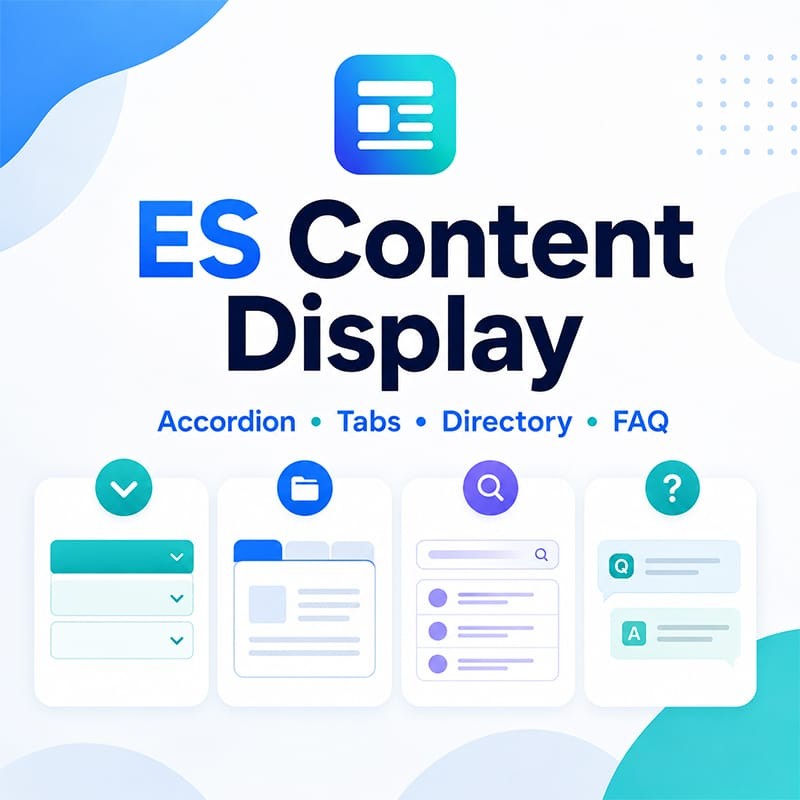
Accordion
Compact long content into expandable sections with single-open or multiple-open behavior.
Horizontal Tabs
Organize related sections into a familiar horizontal tab interface.
Vertical Tabs
Use a side-by-side tab layout for documentation, service descriptions and structured information.
Directory / Compact List
Build searchable collections with optional client-side Search and A–Z filtering.
Search and A–Z work only on the already-loaded collection, keeping the module lightweight and predictable.
FAQ
Create accessible question-and-answer sections from Manual Items or Joomla Articles.
Optional Schema.org FAQ structured data can be enabled when the displayed content is genuinely an FAQ.
Responsive by Design
Tab layouts can automatically convert to Accordion when the module becomes narrow.
Responsive behavior uses the width of the module itself where supported, which means a module inside a narrow sidebar can adapt even on a wide desktop screen.
You can also keep Tabs on narrow screens when horizontal/vertical tabs are preferred.
Deep Links
Every content item can have a stable module-scoped anchor.
This makes it possible to link directly to:
- A specific Accordion section
- A specific Tab
- A FAQ question
- A Directory item
When a valid hash is opened, ES Content Display activates or reveals the targeted item.
Accessibility
ES Content Display is built around accessible interaction patterns:
- Semantic headings
- ARIA state and relationships
- Keyboard navigation
- Focus-visible support
- Reduced-motion friendly behavior
- Accessible tab and accordion controls
- Screen-reader status updates for Directory filtering
- Distinct accessible names for repeated Read More links
Display Controls
Choose the content fields appropriate for your layout:
- Image
- Intro
- Body
- Joomla Article metadata
- Read More
Article metadata can include Category, Tags and Author when available.
Directory Search and A–Z
For larger displayed collections, Directory mode can add:
- Client-side text search
- A–Z filter
- Combined Search + A–Z filtering
- Result count/status updates
- grouping for items that do not map naturally to A–Z
No AJAX request or separate search index is required.
Styling without Template Lock-in
ES Content Display ships with three restrained presets:
- Default / Template-friendly
- Soft Surface
- Minimal Separators
The module inherits your template's typography and foreground color instead of forcing a visual brand.
Developers can customize module instances with a custom CSS class and documented --es-cd-* CSS variables.
Built for Modern Joomla
- Joomla 5.x
- Joomla 6.x
- Modern namespaced Joomla module architecture
- Joomla Web Asset Manager
- Vanilla JavaScript / ES modules
- No jQuery dependency
- Joomla ACL and language aware
- Joomla caching controls
- Multiple module instances supported
- No custom content tables
- No telemetry
Typical Uses
- Long Joomla Article category archives
- Product or service information tabs
- Documentation sections
- Frequently asked questions
- Knowledge-base summaries
- Team/resource directories
- Glossary-style lists
- Agency-built brochure sites
- Structured content without a page builder
What ES Content Display Is Not
ES Content Display is intentionally focused.
It is not:
- A page builder
- A replacement Joomla Article manager
- An advanced frontend faceted-filter engine
- A masonry/card/blog listing suite
- A generic animation toolkit
This keeps the module fast to configure and keeps the same source predictable across every supported layout.
Updates
ES Content Display integrates with the Joomla Update System.
A valid ExtensionSpot Download Key enables eligible updates directly from the Joomla administrator. Standard ExtensionSpot product entitlement provides 12 months of updates from purchase; installed functionality remains active after the update entitlement expires.



 30 Day Money Back
 Premium support