ES Login Redirect Manager gives you full control over where users are sent after login, logout or their first login.
Create simple redirect rules based on the user, Joomla user group, language, login page or site area — without custom PHP and without managing multiple redirect plugins.
It is ideal for membership websites, customer portals, private download areas, intranets and websites where different users need different destinations.
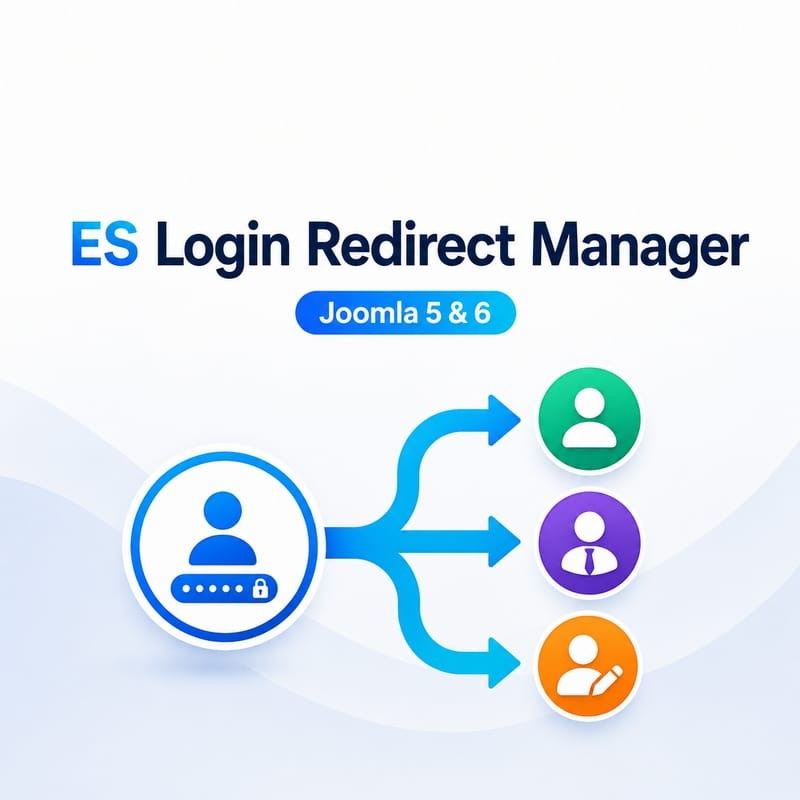
Different users. Different destinations.
Not every user should land on the same page after logging in.
With ES Login Redirect Manager you can easily create flows such as:
- Customers → Customer Dashboard
- Authors → Content Management Area
- Partners → Partner Portal
- Members → Private Member Area
- A specific user → Dedicated Download Page
- First login → Welcome or Onboarding Page
- Logout → Thank You or Landing Page
Redirect based on where the user logs in
You can also create redirects based on the page where the login takes place.
For example:
- Login from /customer-login → Customer Dashboard
- Login from /partner-login → Partner Area
- Login from a campaign page → Dedicated Campaign Page
Simply copy and paste the page URL into the rule. ES Login Redirect Manager handles the URL automatically.
Simple rules with predictable results
Create as many redirect rules as you need and arrange them by priority.
When a user logs in, ES Login Redirect Manager checks the rules in order and uses the first one that matches.
This makes even complex websites easy to manage: specific rules can take priority while general rules remain as fallbacks.
Users in multiple Joomla groups? No problem.
Joomla users can belong to several user groups at the same time. In most cases, ES Login Redirect Manager can simply use your rule priorities to determine the correct destination.
When you need more control, you can assign an optional Preferred Group to an individual user.
For example, a user may belong to both Registered and Author, while their preferred redirect role is Author.
Preferred Group only controls redirect matching — it does not change Joomla permissions or the user's real group memberships.
Test your rules before relying on them
One of the most useful features of ES Login Redirect Manager is the built-in Simulator.
Select a user and the login context and see exactly which redirect rule would be used.
The Simulator shows you:
- which rules were evaluated;
- which conditions matched;
- why a rule did not match;
- which rule won;
- the final redirect destination.
This lets you build and verify redirect logic with confidence instead of repeatedly logging in and out just to test a configuration.
Designed to fail safely
A bad redirect should never make your Joomla website inaccessible.
ES Login Redirect Manager includes safeguards for common redirect problems:
- redirect loop protection;
- safe fallback destinations;
- protection for Joomla Super Users;
- validation of invalid or inaccessible destinations;
- controlled external redirects.
If a redirect cannot safely be performed, Joomla authentication is allowed to continue normally instead of locking the user out.
Internal or external destinations
Redirect users to Joomla pages or, when required, to external websites.
External redirects can be disabled completely or controlled using whitelist or blacklist rules, giving you flexibility without opening unrestricted redirects.
Useful for agencies too
Rules can be exported and imported, making it easy to reuse a configuration on another Joomla website or keep a backup of your redirect setup.
Typical use cases
- Membership websites
- Customer portals
- Partner and reseller areas
- Private download websites
- Online communities
- Company intranets
- Role-specific dashboards
- Client websites managed by agencies
- First-login onboarding flows
- Custom logout landing pages
See it working
Try the live demo and see how the same Joomla user can be redirected differently depending on their group, preferred group and the page where they log in.
Open ES Login Redirect Manager Live Demo →
Key features
- Redirect after Login
- Redirect after Logout
- First Login redirects
- Redirect by specific user
- Redirect by one or multiple Joomla User Groups
- Per-user Preferred Group
- Redirect by language
- Frontend / Administrator conditions
- Redirect based on the login Source URL
- Rule priorities and ordering
- Built-in rule Simulator
- Internal Joomla destinations
- Controlled external redirects
- Whitelist / Blacklist external URL policy
- Safe fallback handling
- Redirect loop protection
- Super User protection
- Import / Export rules
Compatibility
Joomla 5.x and Joomla 6.x
Take control of the Joomla login experience
Stop sending every user to the same page.
With ES Login Redirect Manager, customers, members, authors, partners and individual users can automatically arrive exactly where they need to be.



 30 Day Money Back
 Premium support